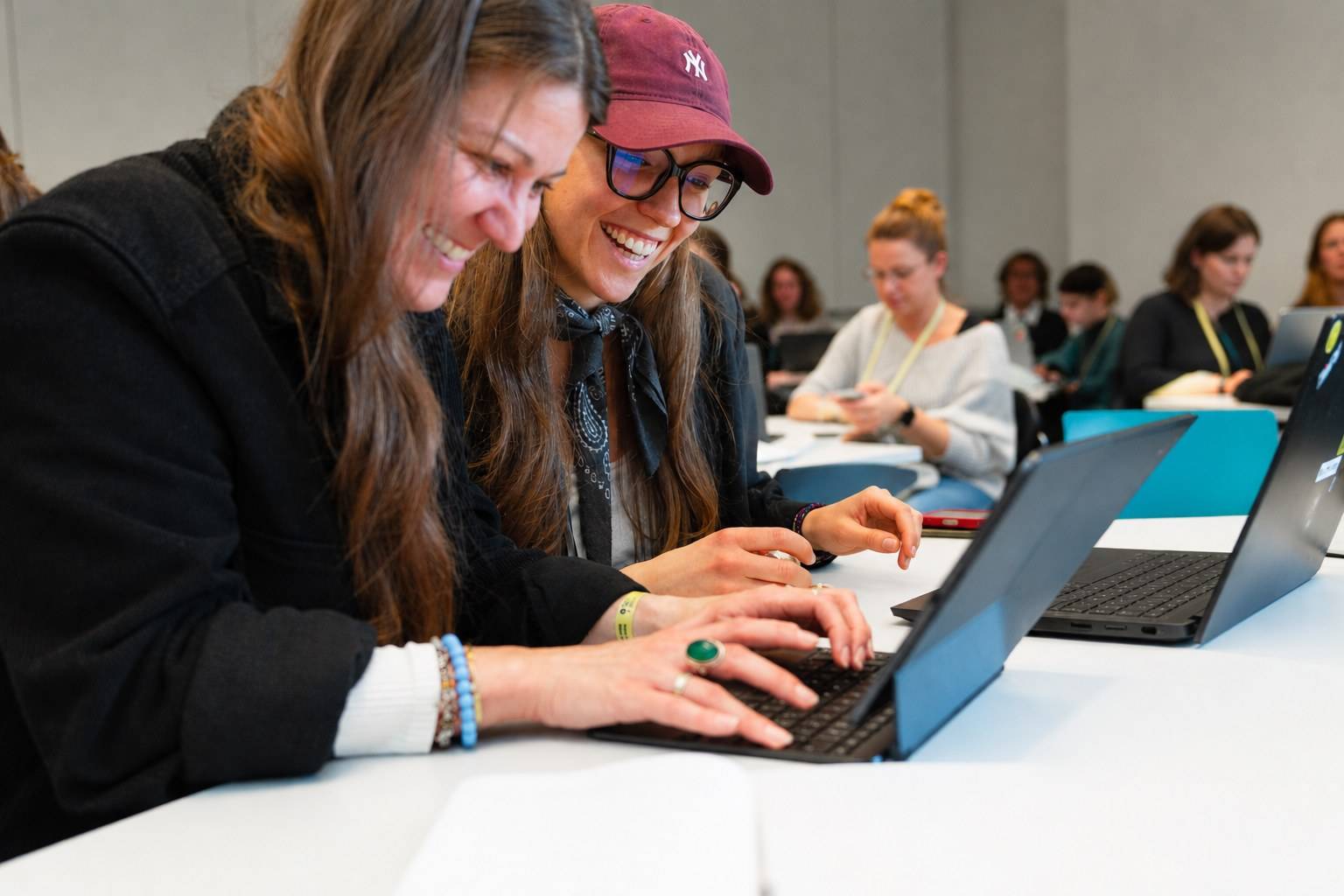
Vibe coding workshop
Small tools for daily work,
built by your staff.
In the workshop, your staff describe in their own words what a tool should do and have AI build it. No coding skills are needed.
Media Lab Innovation Festival 2026 · Photo: Till Wollenweber / Media Lab Bayern
Who it is for
For teams who still handle
recurring tasks by hand.
Matching spreadsheets, recalculating allowances, keeping track of deadlines. Many of these tasks follow the same pattern every time. For tasks like these, a small tool of your own is worth building.
Mixed teams from all departments
Accounting, administration, communications, programmes and IT work at one table. Teams form across departments, because that is where expertise and ideas complement each other.
No prior knowledge
If you can explain a task to a colleague, you can write a build request for the AI, in other words a prompt. The AI writes the code, and participants check the result.
In the browser, nothing to install
Tools are built with a browser-based service such as Google AI Studio. No installation and no admin rights are needed, just a laptop and an account with the provider.
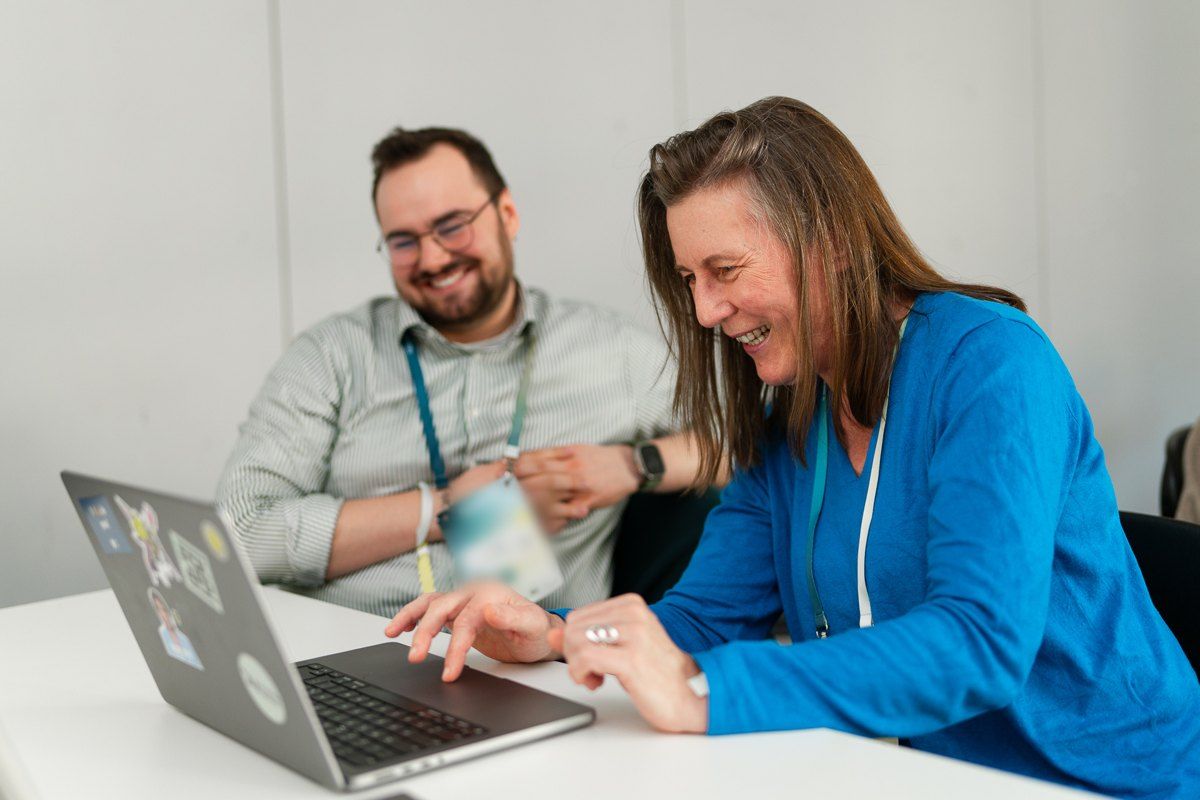
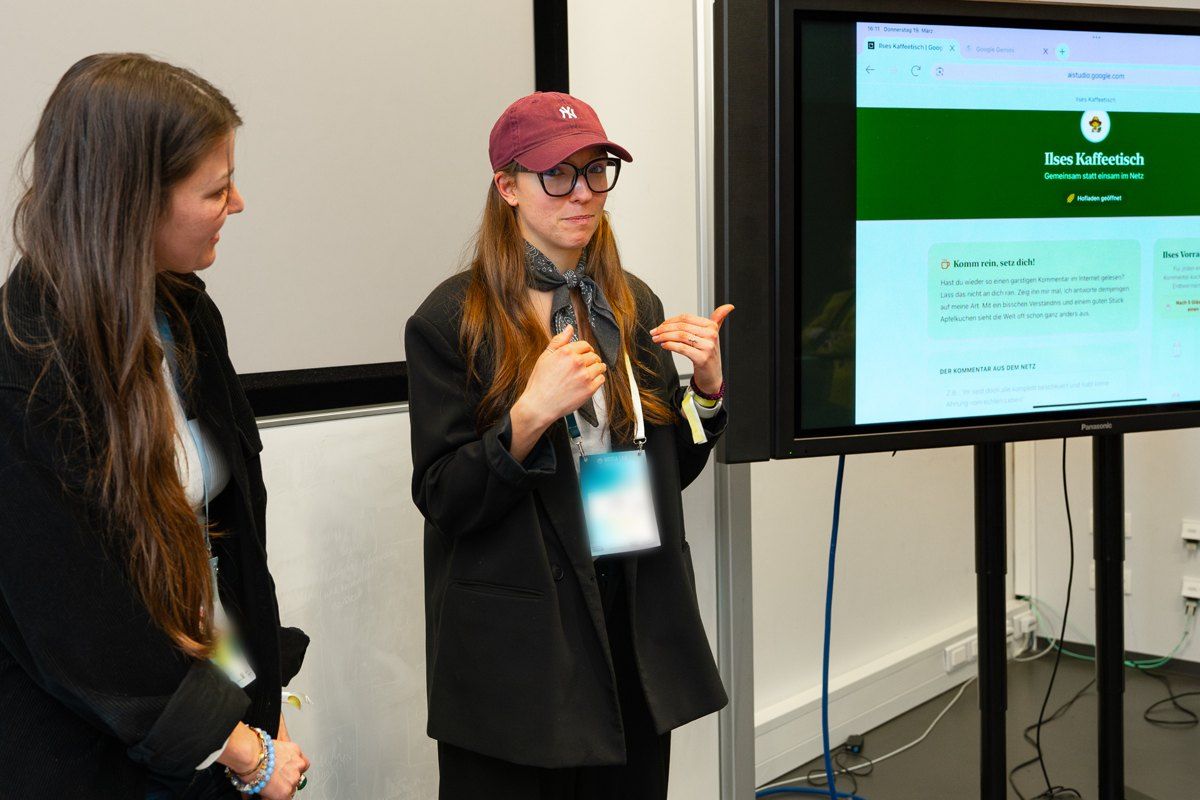
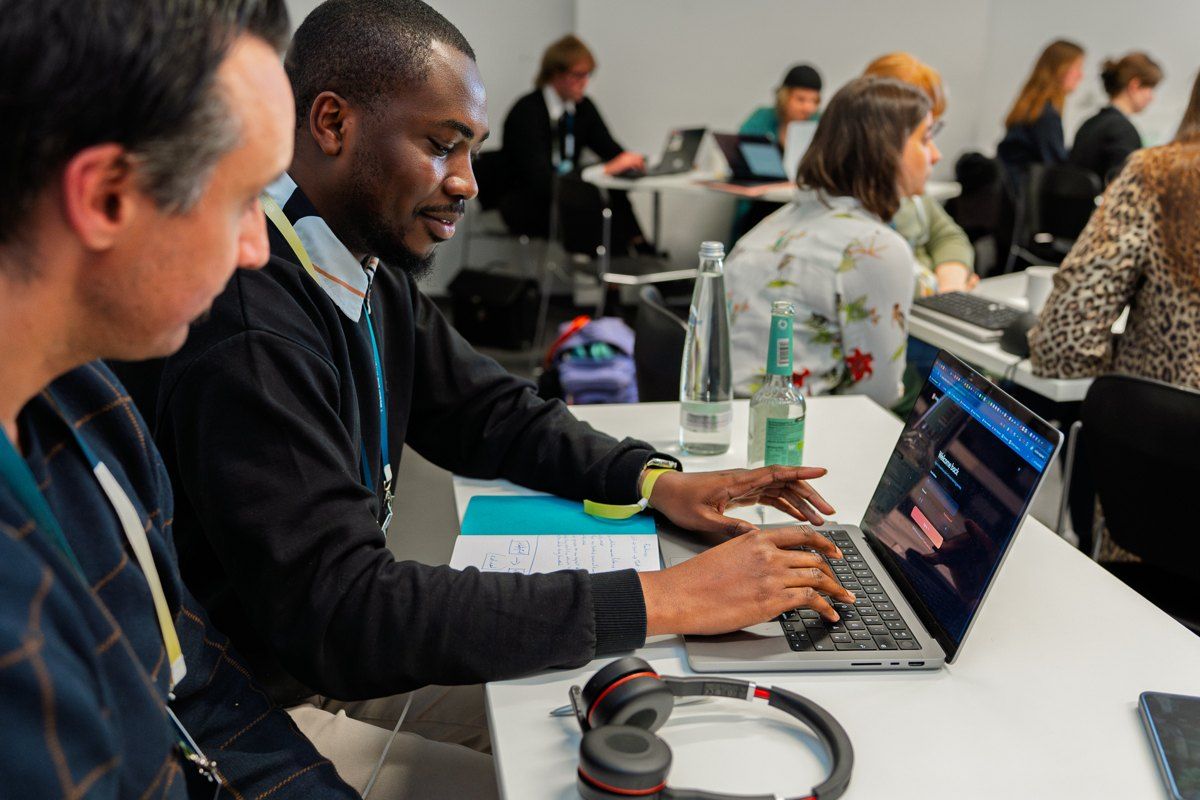
Vibe coding workshop at Media Lab Innovation Festival 2026. Photos: Till Wollenweber / Media Lab Bayern
Process
Three hours from the first look to a working tool.
Context
What AI can do in the office and what vibe coding is.
Live demo
I build a tool on site and show how to fix what is off.
Think first, then build
Six questions to answer before the AI starts.
Idea market
Everyone collects tasks that cost them time every month. Teams form around them.
Build phase
Teams of two or three build. I help where they get stuck.
Gallery
Each team shows in one minute what it built.
Limits and ethics
Which data may go in, who owns errors, when IT needs to be involved.
Format
3 hours on site, including a break. Up to about 20 people. Also available one-to-one or for small groups, online or on site.
Equipment
Participants’ own laptops with a current browser and Wi-Fi. No installation, no admin rights.
Data
Anything entered into the build tool goes to its provider. That is why everyone works with made-up or anonymised data.
Preparation
A short call beforehand and a note to participants, so that all accounts work before the day.
Examples
Tools that fit into one build phase.
A few examples for inspiration. Teams can bring their own tasks.
What your team takes away
One tool per team
and a method for the next one.
A working tool
The goal is for every team to leave with a small tool that did not exist before. It does not need to be polished. It should work and show what is possible.
The tool profile
Six questions to answer before every build request. They help with any other prompt too, for example for texts or analyses. With them, participants can keep building on their own after the workshop.
A picture of the limits
Connecting to your systems, real personal data, errors nobody sees, and the question of who fixes a tool a year from now. At that point, a self-built tool is a matter for IT and data protection.
First answers for your organisation
I record what the group collects on data, responsibility and sharing tools. You receive it as a basis for your own rules.
More formats
The workshop is for staff. For the decisions only leadership can make, there is a separate workshop: AI workshop for leadership teams →
For the basics and the rules across the organisation, with a certificate of attendance for your record: AI literacy half-day →
If a team wants to tackle a specific task with your organisation’s knowledge: Use-case workshop, a half-day per team →
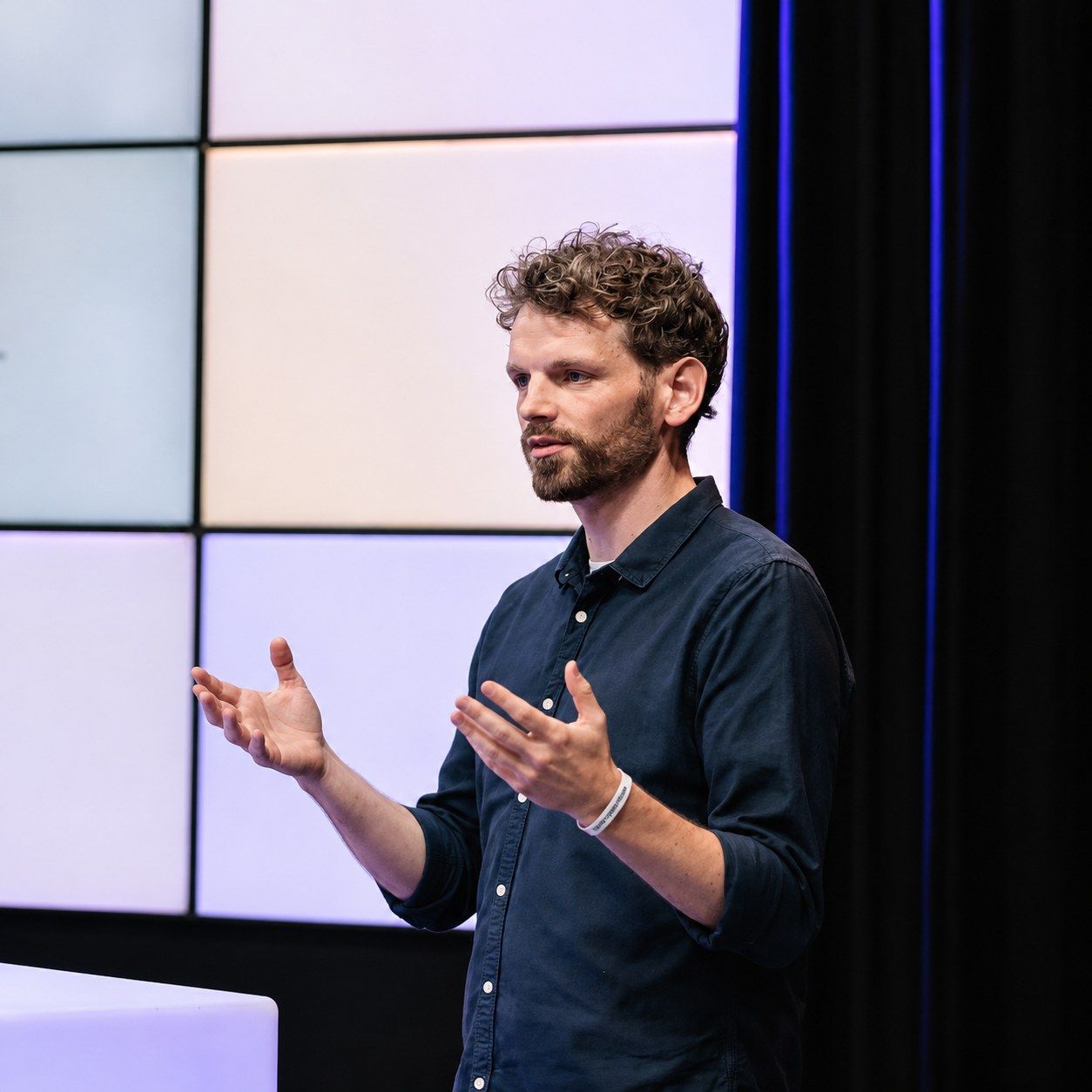
Who runs the workshop
Simon Liedtke
I have been building software for more than 20 years and working with AI for more than five. I have run this workshop at festivals and in organisations.
What matters to me is that participants leave knowing what they can build themselves and when they need IT and data protection.
More about meQuestions about the workshop
Do participants need coding skills?
No. Participants describe in plain language what a tool should do. The AI writes the code. Knowing your own task well matters more than technical knowledge.
What do we need to prepare?
Laptops with a current browser and Wi-Fi. Nothing gets installed, and no admin rights are needed. Each person needs an account with the provider of the build tool, for Google AI Studio a Google account. Participants create it beforehand and test the login.
What happens to our data?
Anything entered or uploaded into the build tool goes to its provider. That is why everyone in the workshop works only with made-up or anonymised data: no real names, no bank details, no internal figures. The tools can be built so that they afterwards run as a single file in the browser.
What happens to the tools after the workshop?
What the workshop produces is a prototype. That is enough for your own work with non-sensitive data. If a tool is to run permanently, with real data and for many colleagues, it needs your IT and data protection teams. We discuss this at the end of the workshop.
How does this differ from the workshop for leadership teams?
The leadership workshop takes one day and is about decisions: use cases, guardrails, responsibility. In this workshop, staff build tools themselves and learn what AI can do in their daily work and where its limits are. The two formats can be combined.
Is the workshop available one-to-one or online?
Yes. For one person or a small group, I build the workshop around a task of your own, online or on site. Instead of the idea market and gallery, we work directly on your tool, and on good prompting if you like. The workshop is available in English and German.
What does the workshop cost?
On request. You get a concrete quote after the first call.
Contact
Email me at info@slworks.de or book a free intro call right away.
Loads the Cal.com booking calendar (USA). This transmits your IP address to Cal.com. More in the privacy policy (German).